


My Favourite Wallpapers
Your saved gaming wallpapers, ready to download whenever you need them.
0 wallpapers saved


















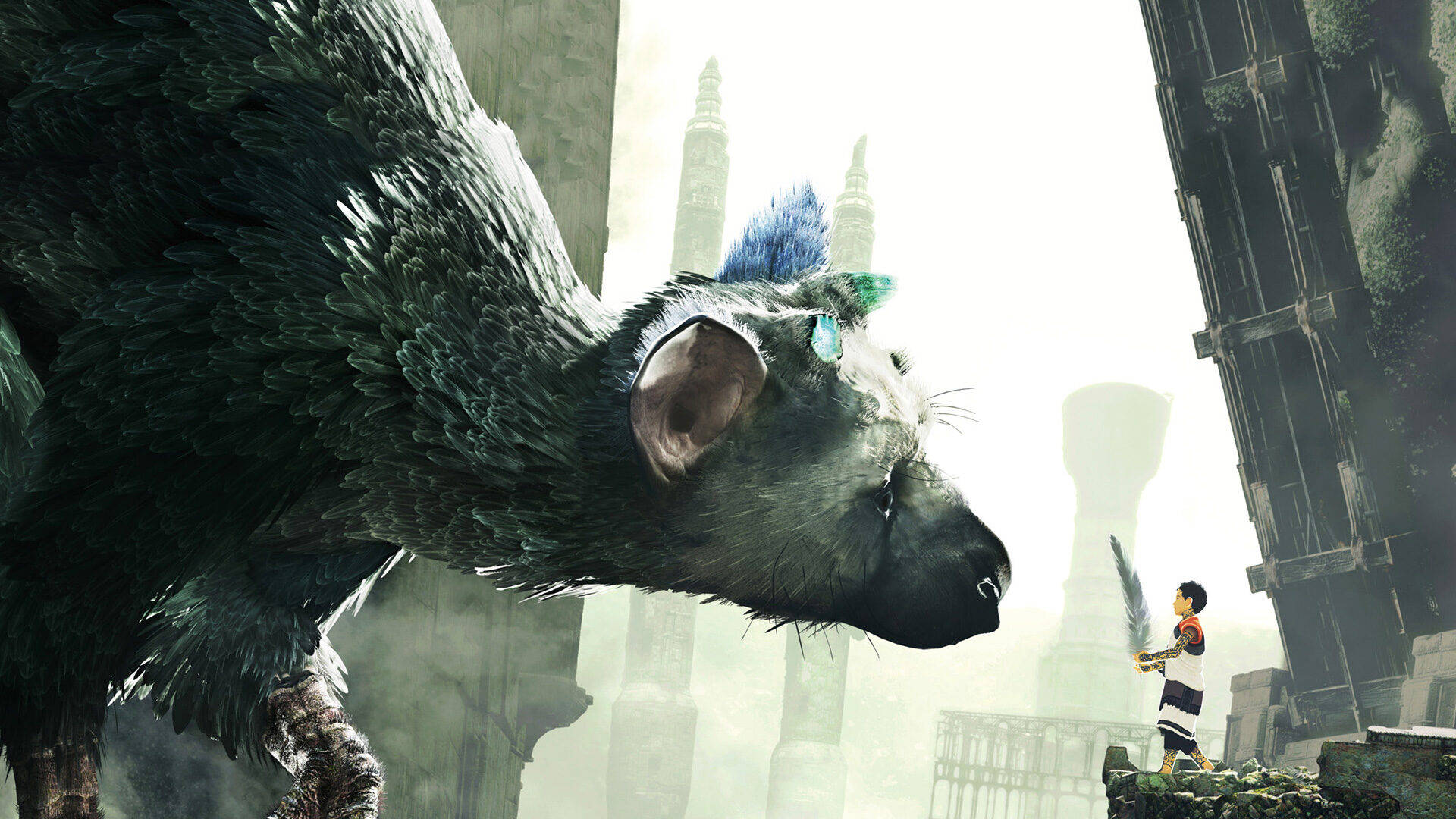









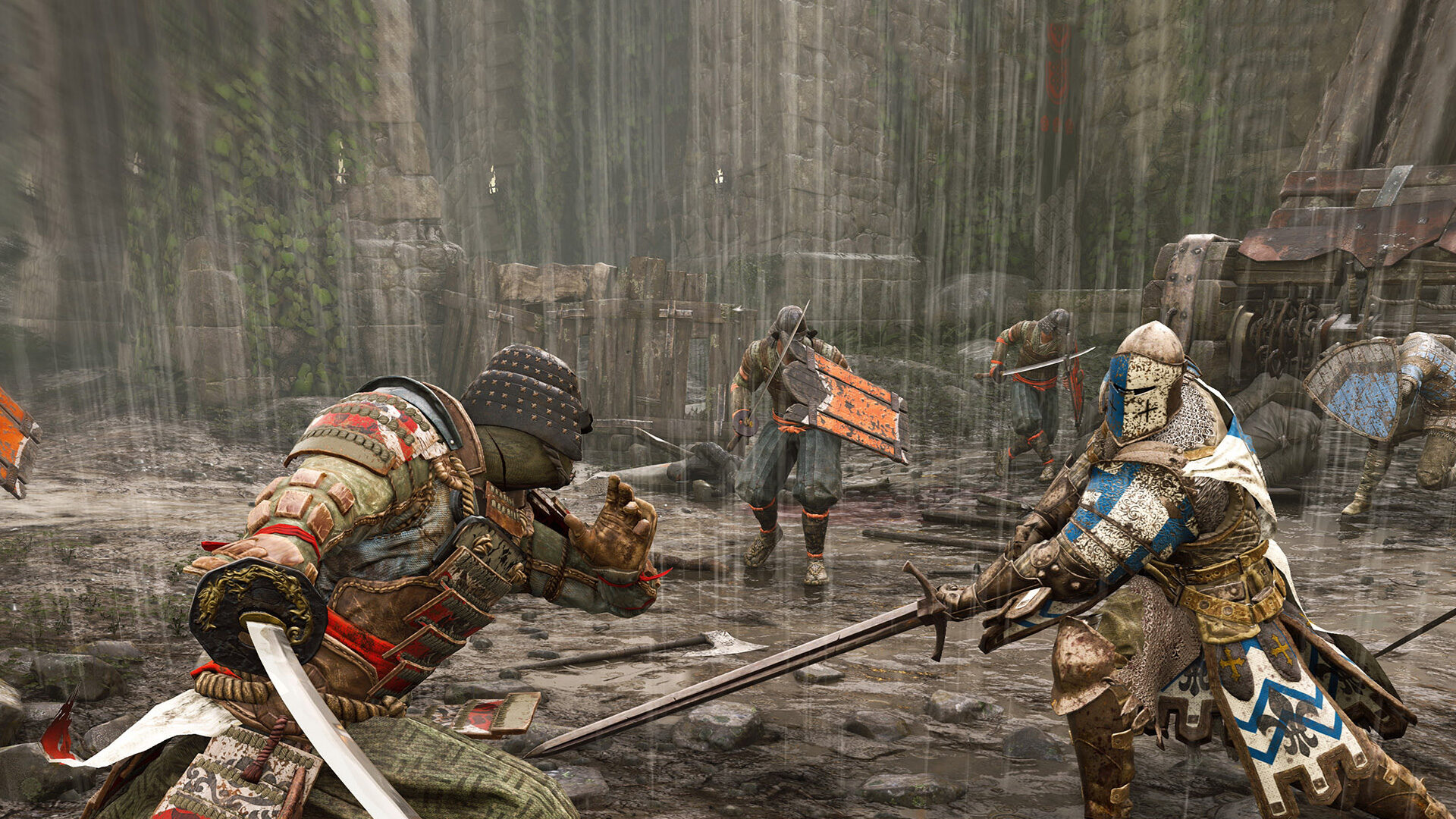















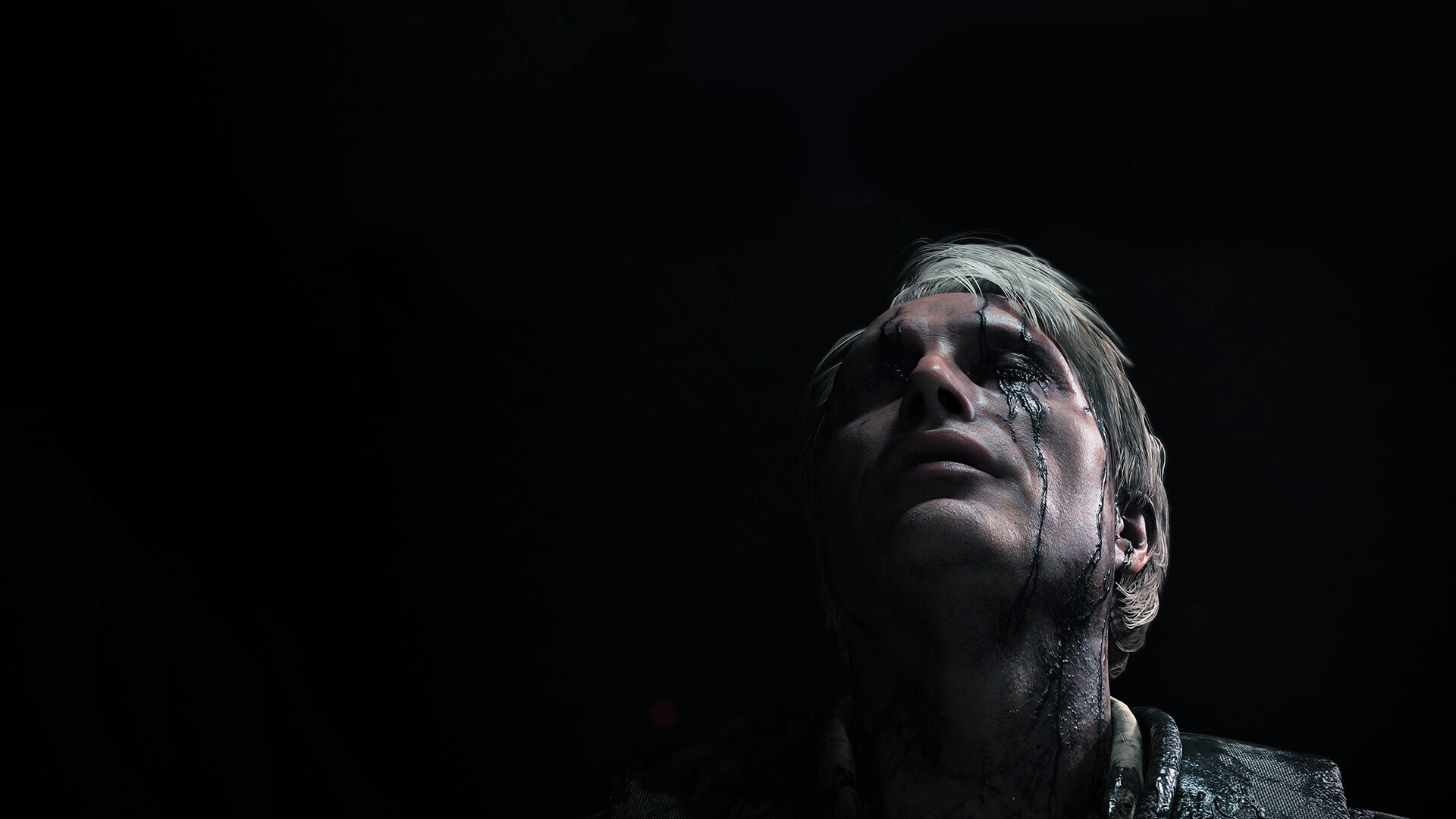





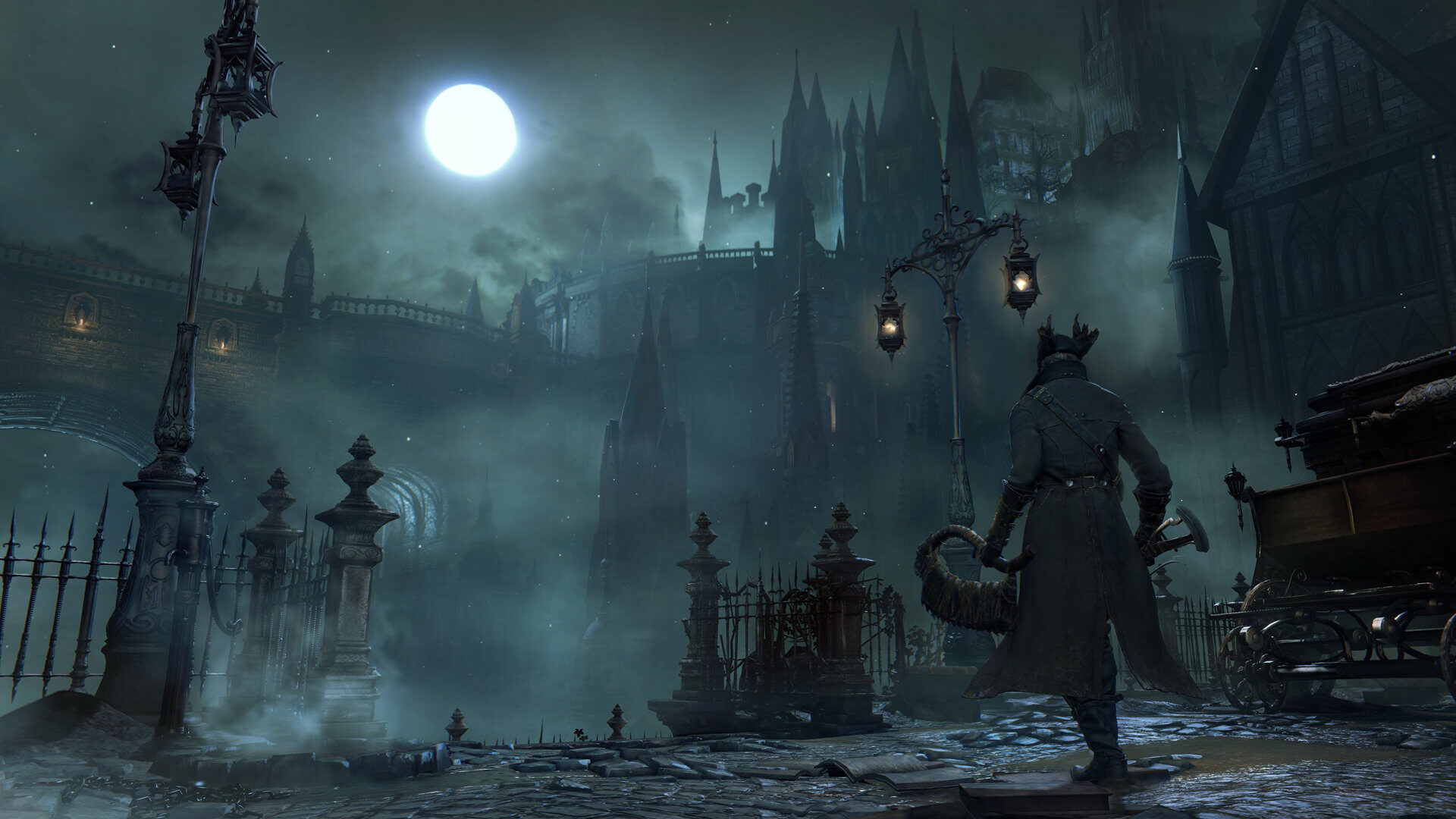





















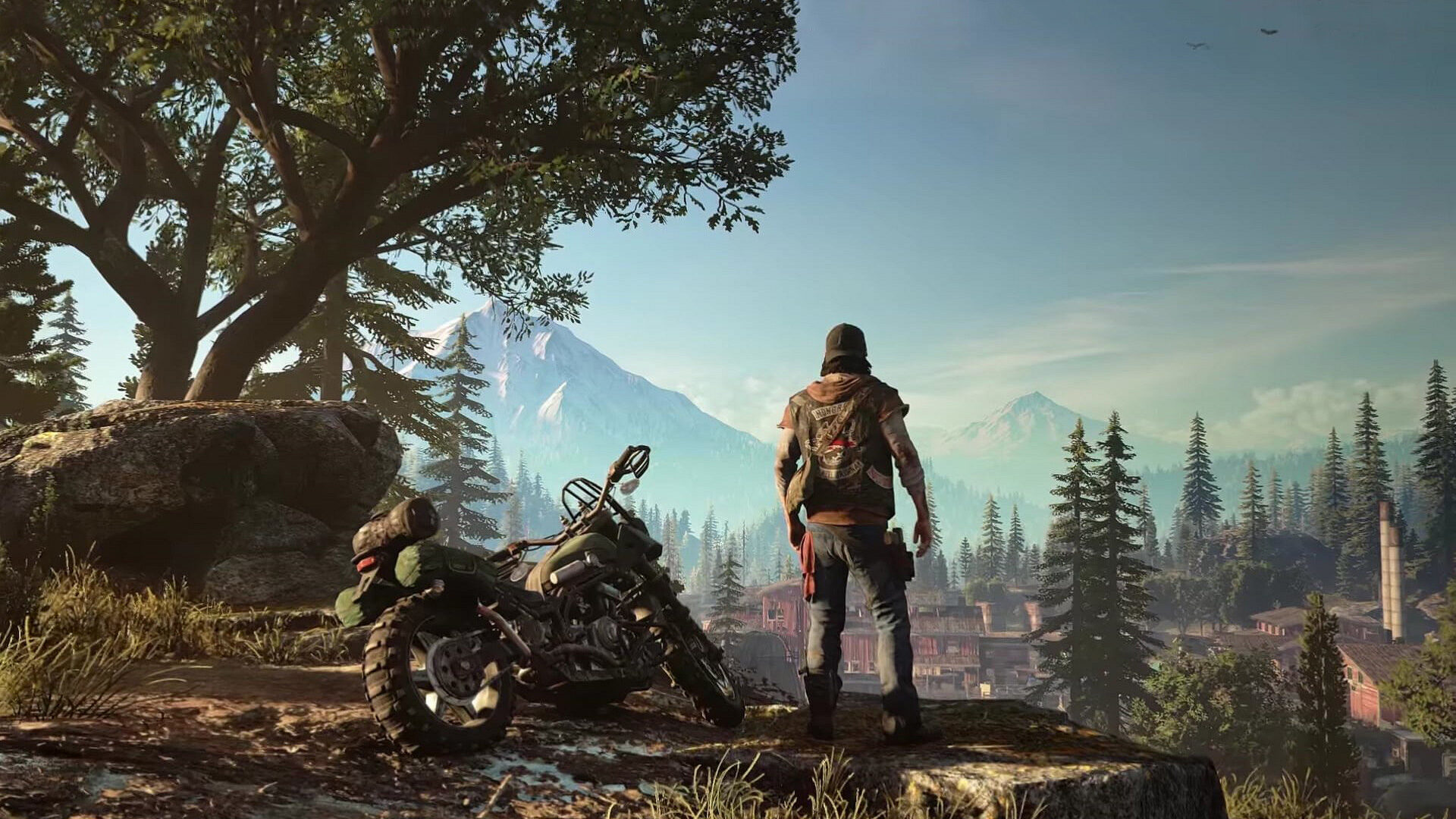

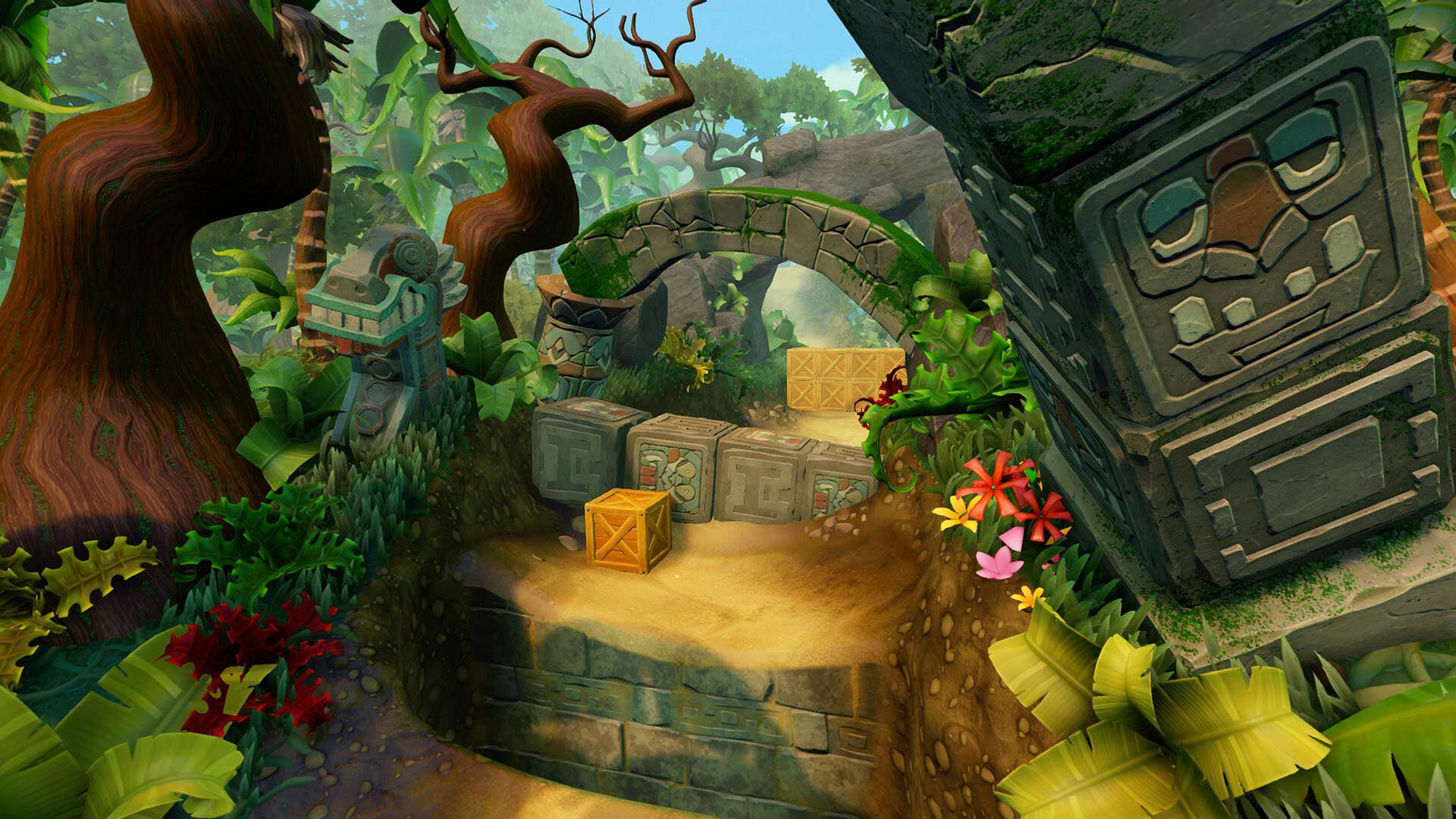

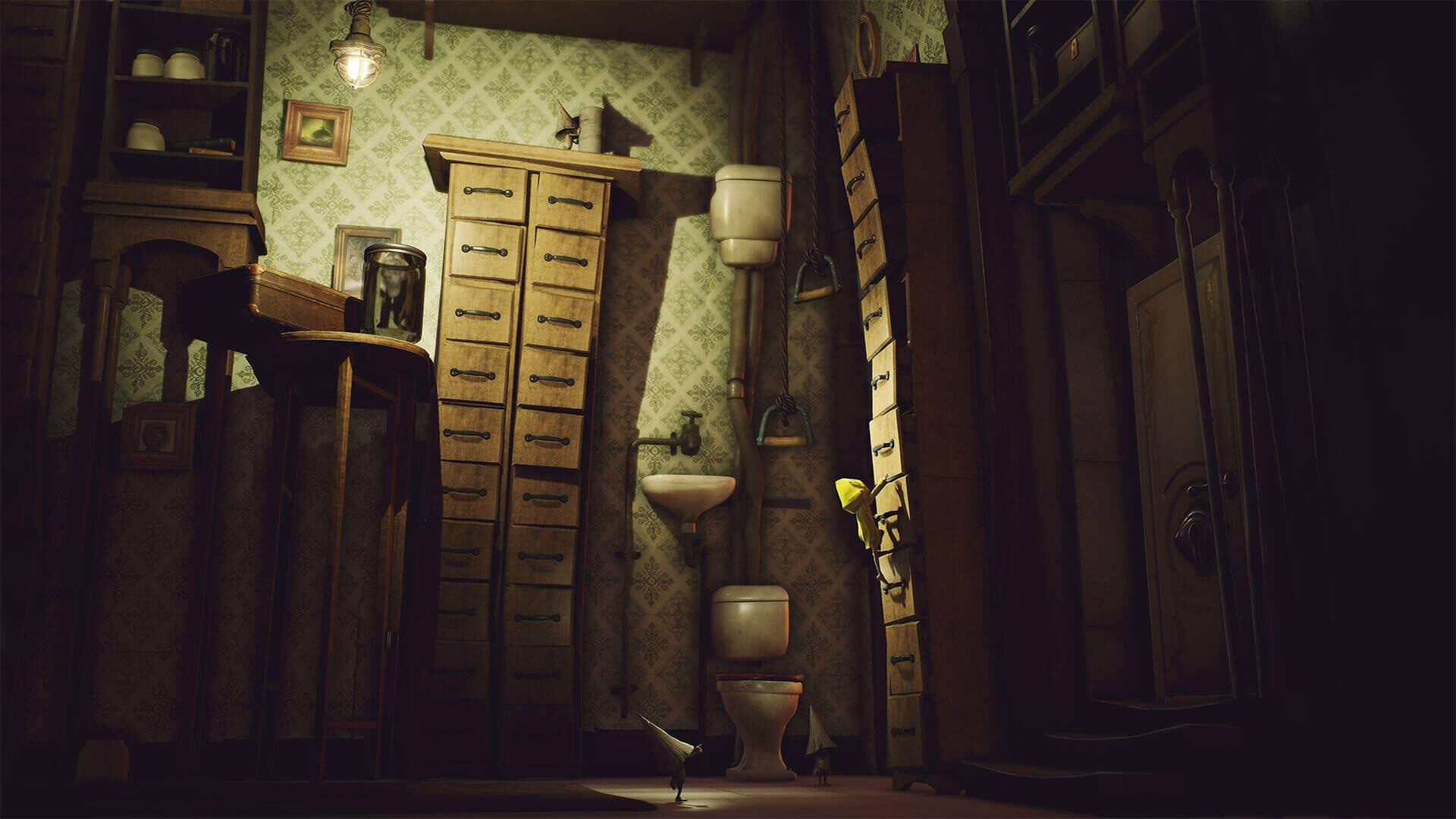





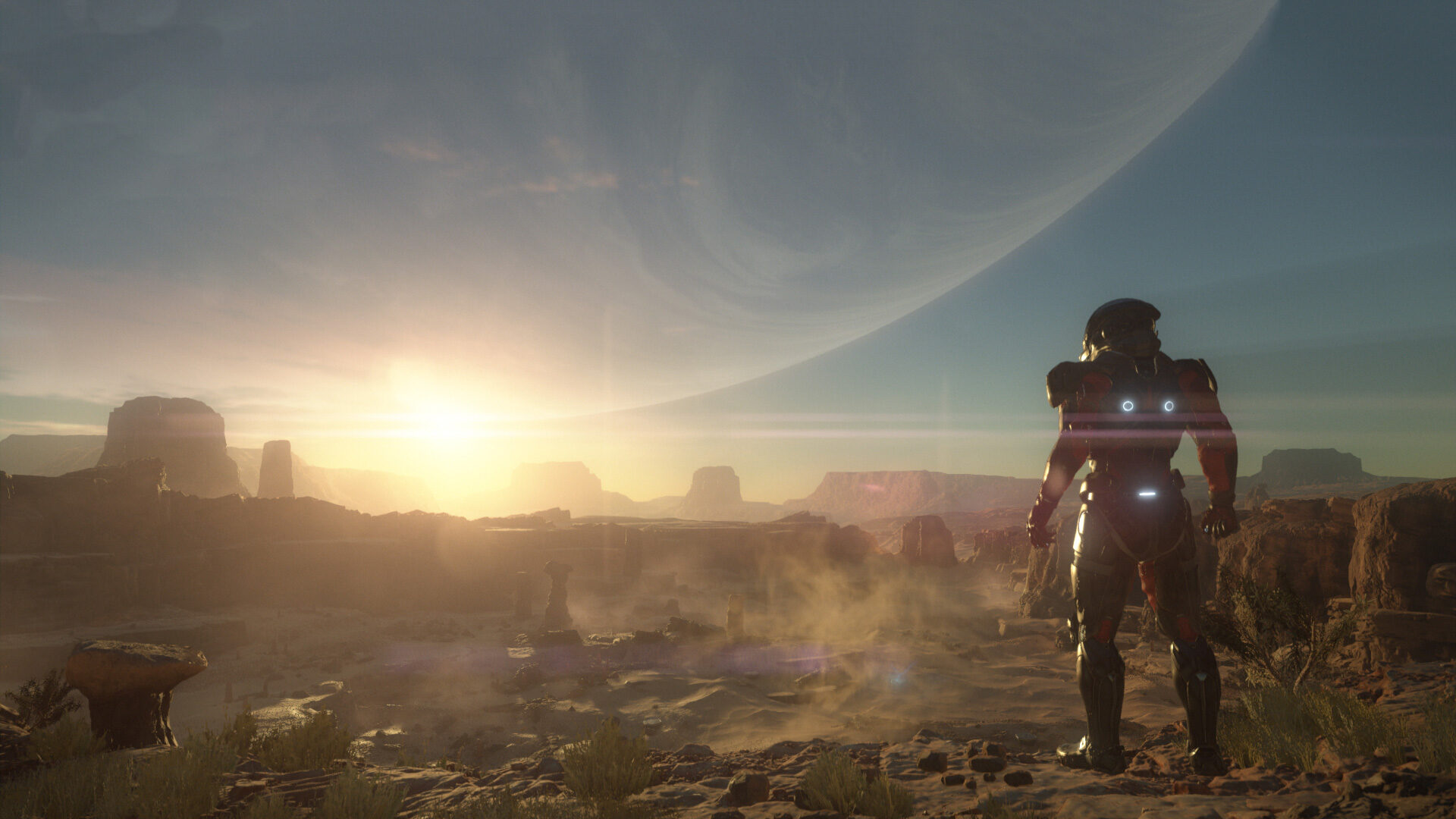







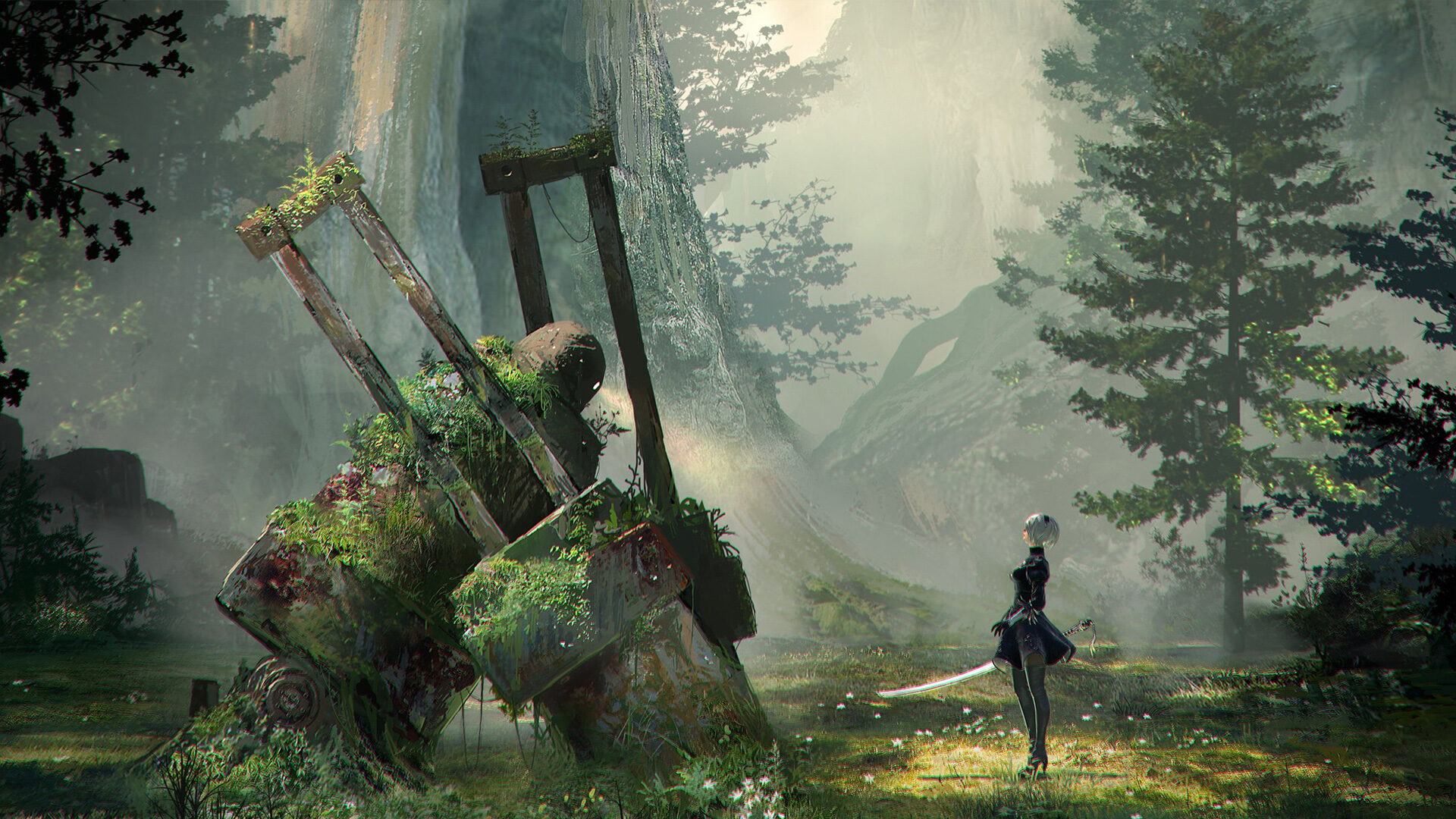









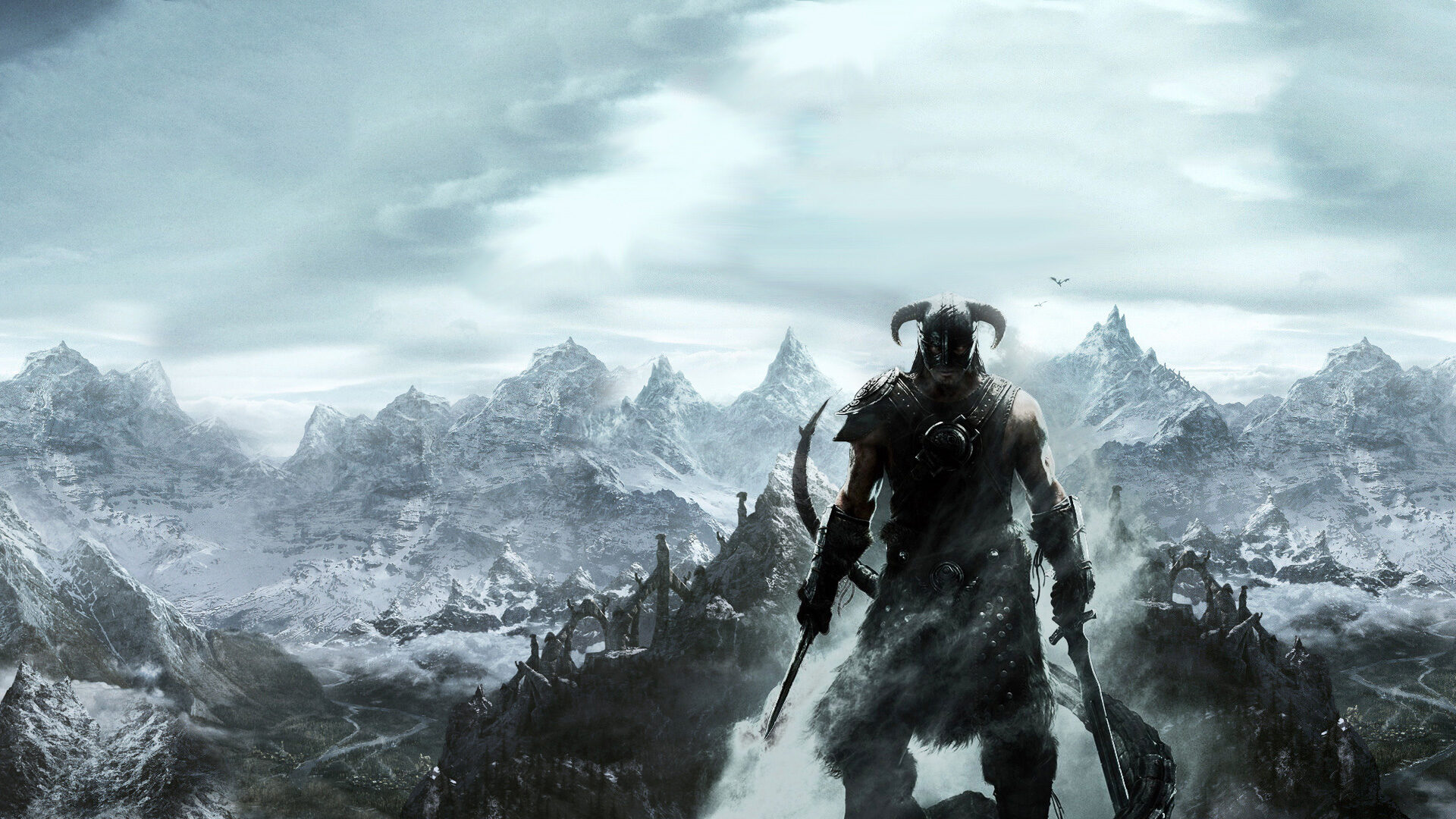



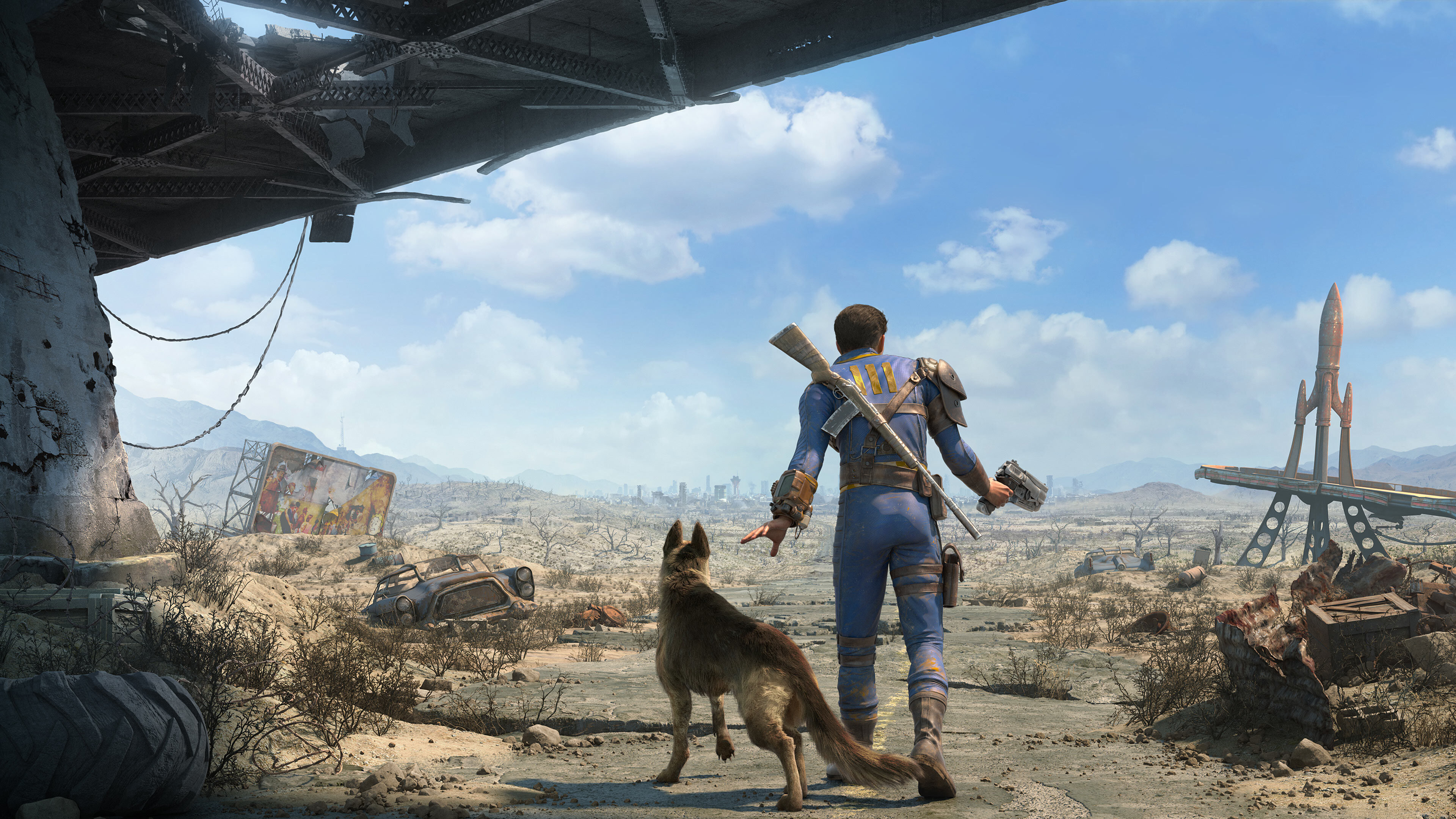





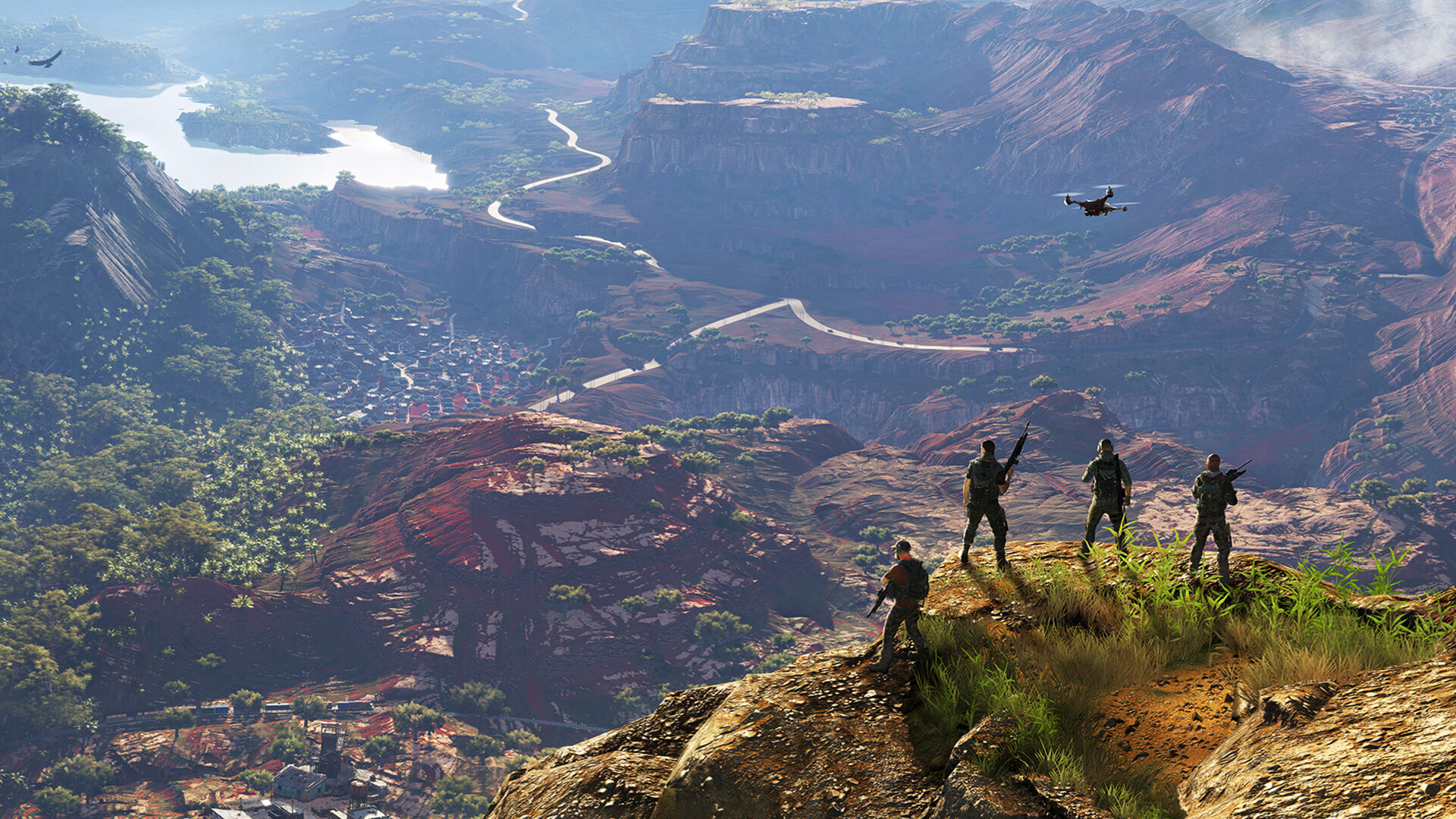











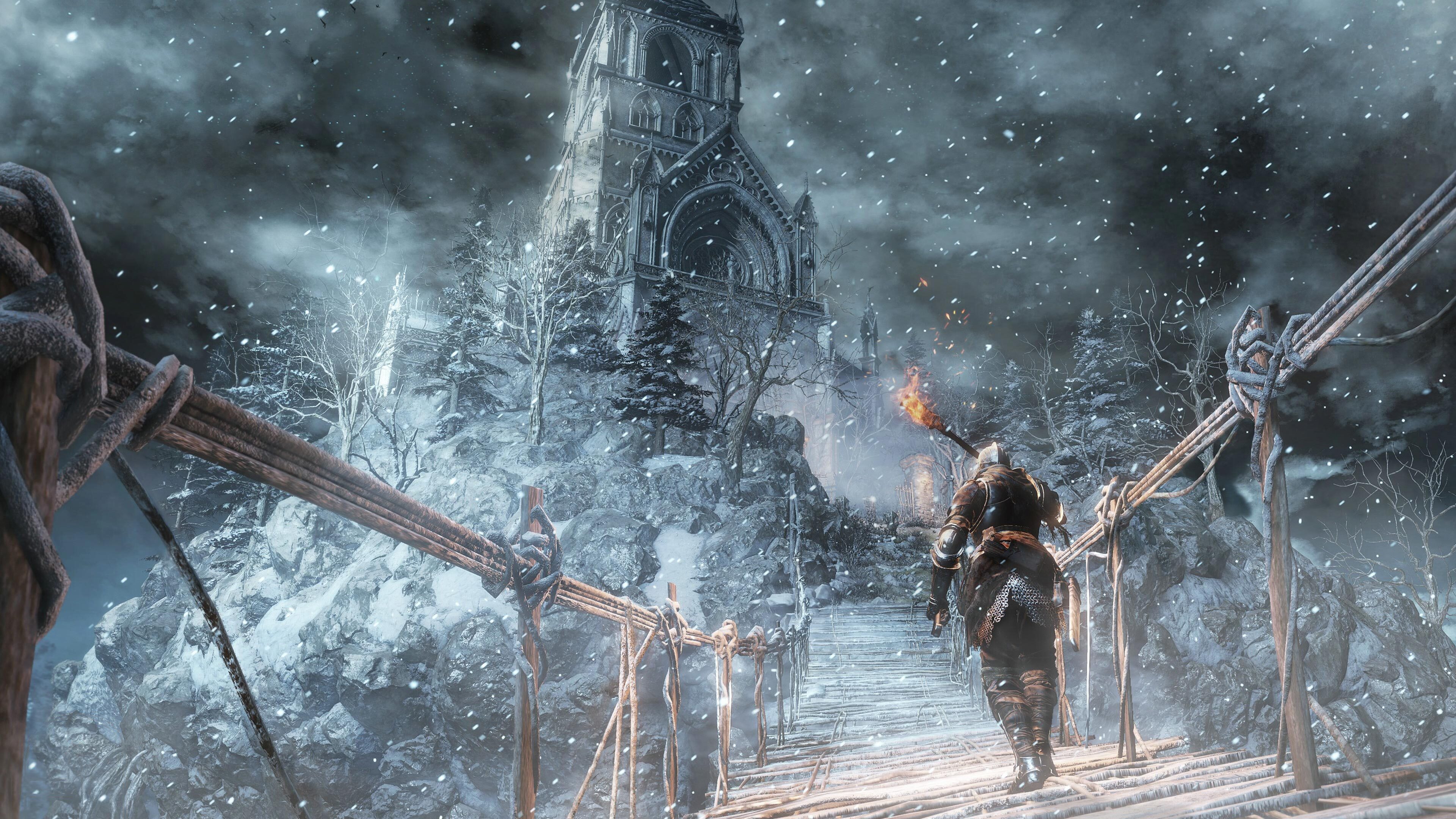









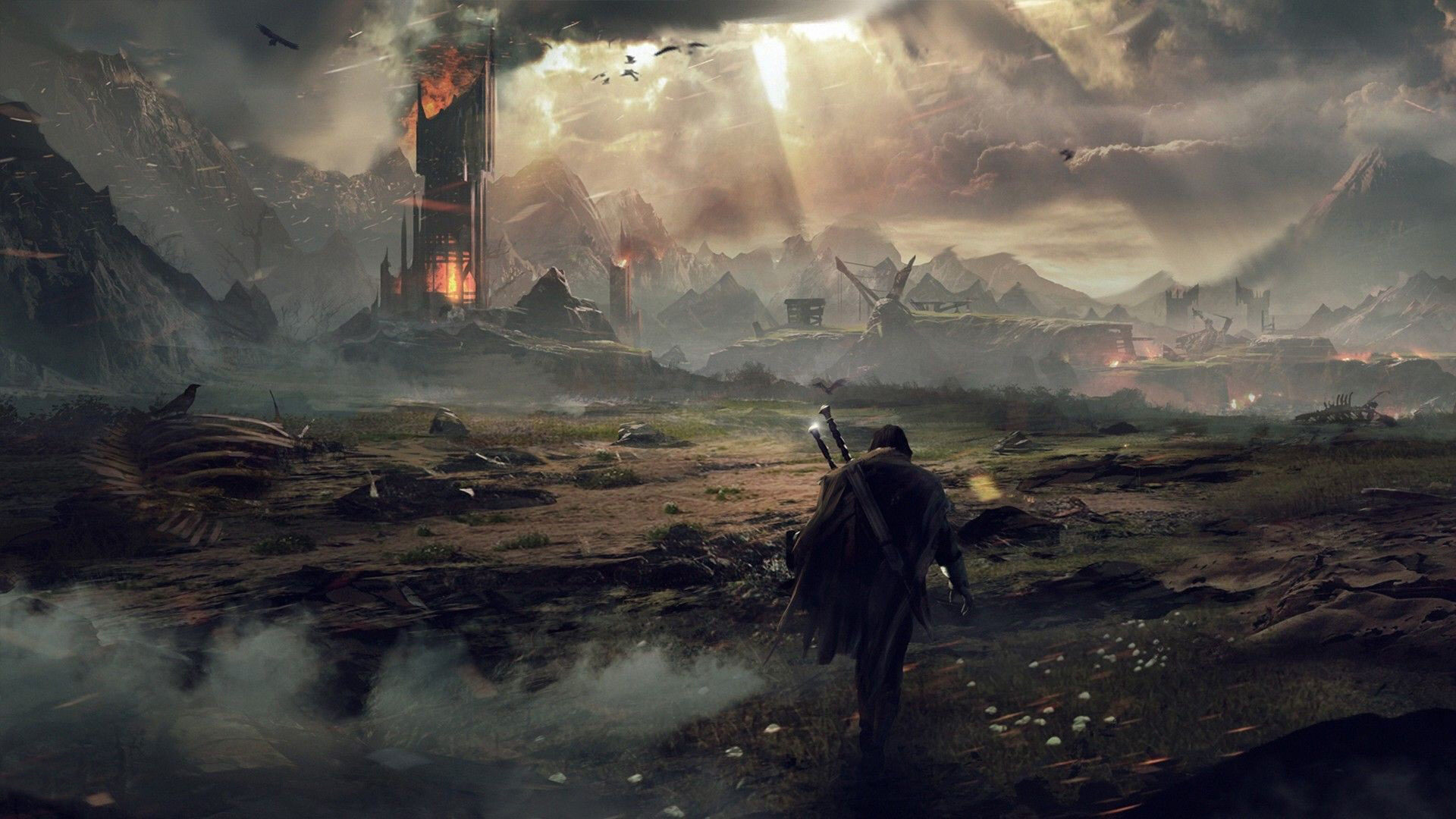



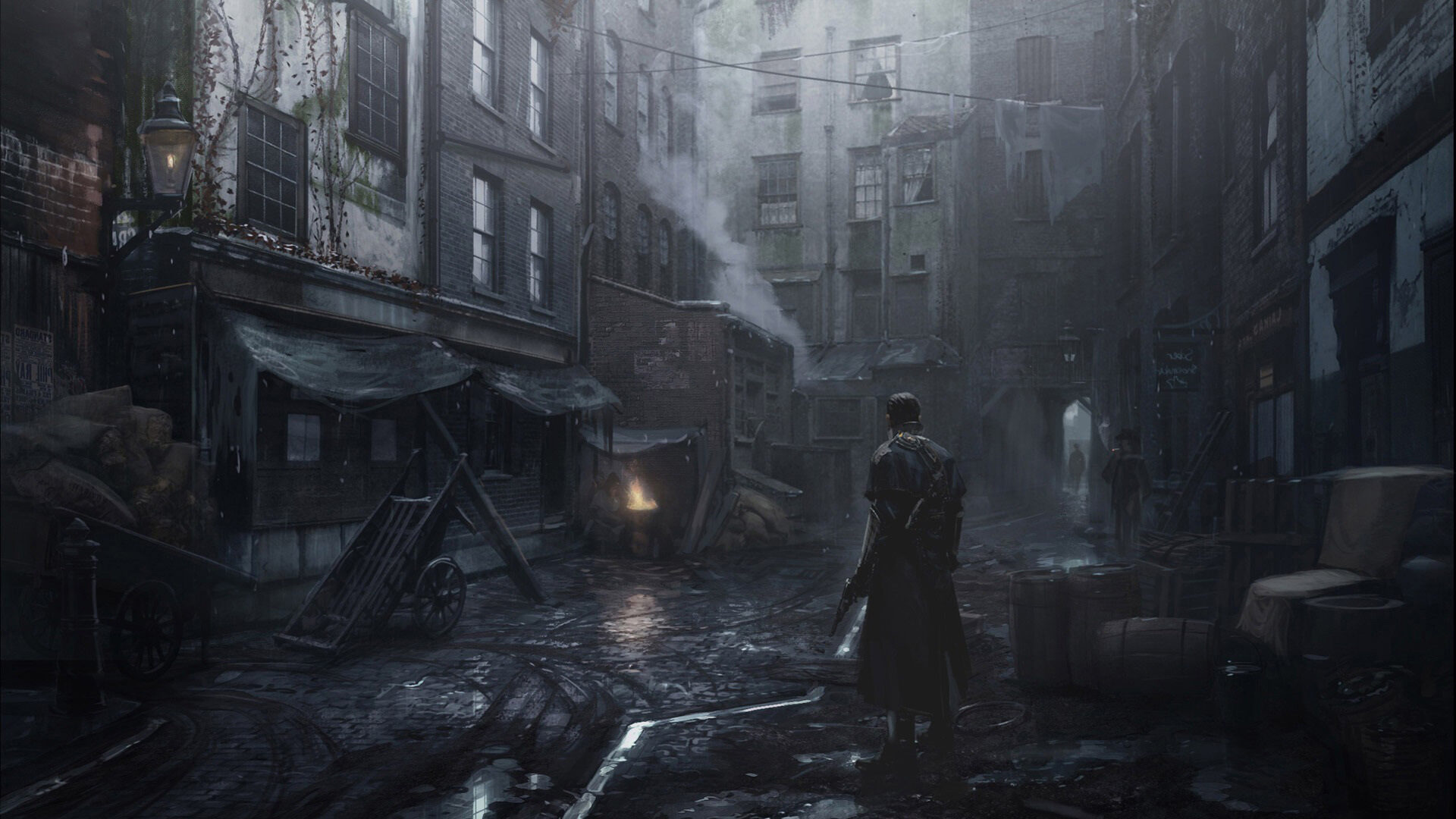











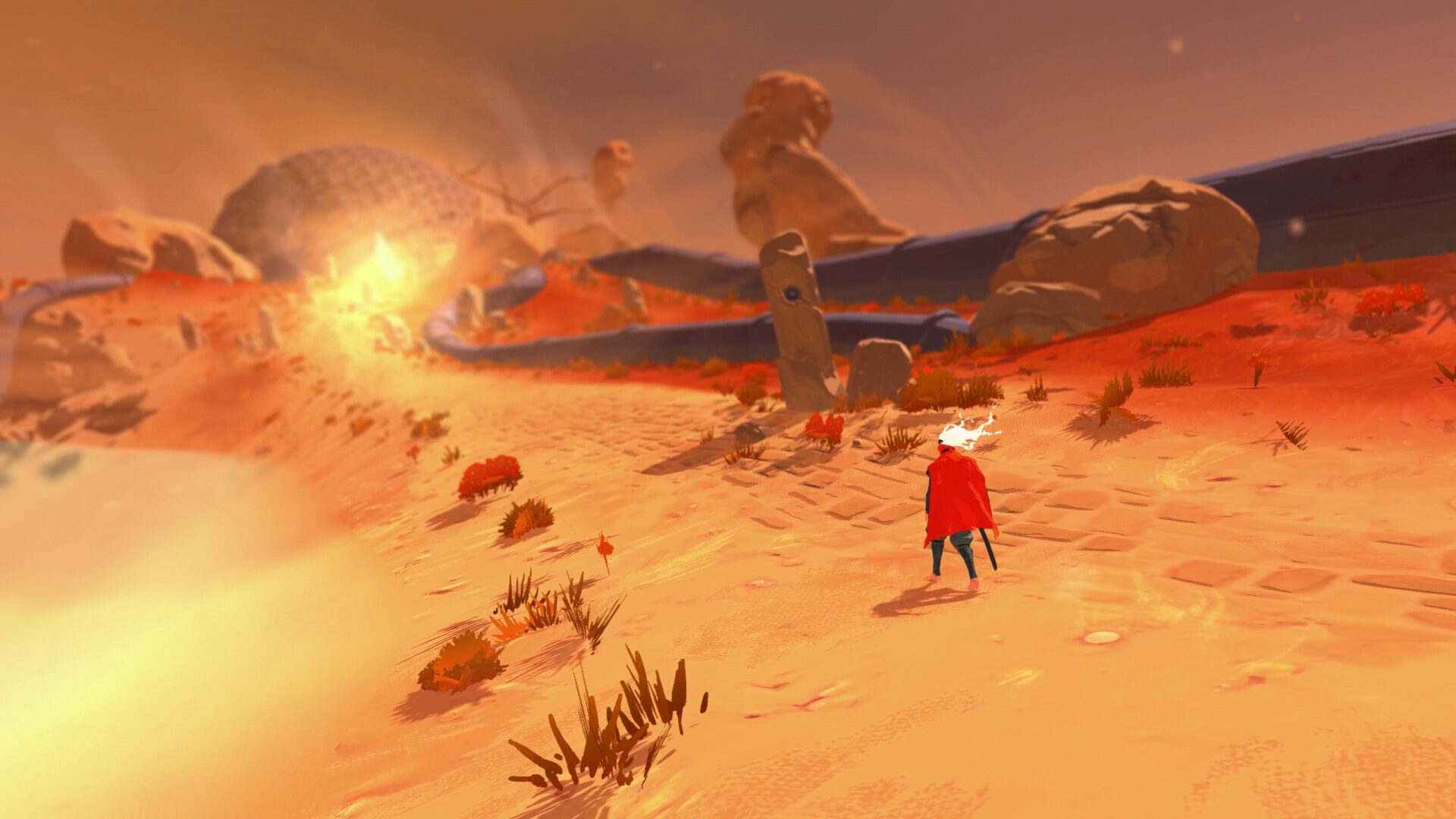
















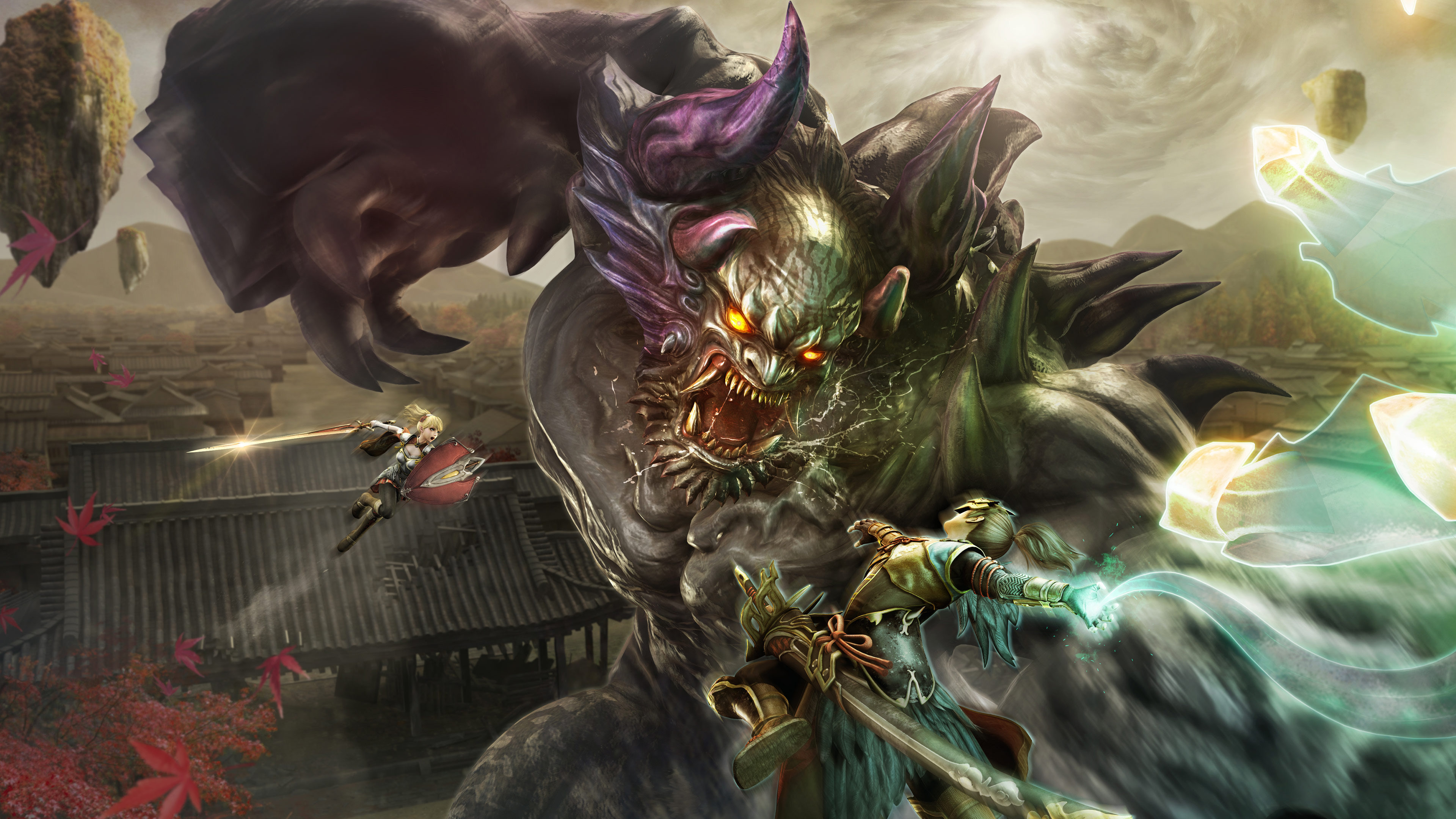


























No favourite wallpapers yet.
How to install a custom PlayStation wallpaper
Steps to transfer our wallpapers onto your console.
1
Download your wallpaper
Select the full image below to view and save the wallpaper to an inserted USB drive.
2
Transfer to your PS5 or PS4
Use a USB drive or the PlayStation App to copy the image to your console.
3
Set as your wallpaper
PS5: Settings > Personalisation > Select Background. PS4: Settings > Themes > Select Custom Theme